


Wednesday, March 4, 2026
spot_imgspot_imgspot_img
HomeFlash FilesRealme C51S RMX3765 Firmware Stock ROM (Flash File)

Realme C51S RMX3765 Firmware Stock ROM (Flash File)

Realme C51S RMX3765 Firmware Stock ROM (Flash File)

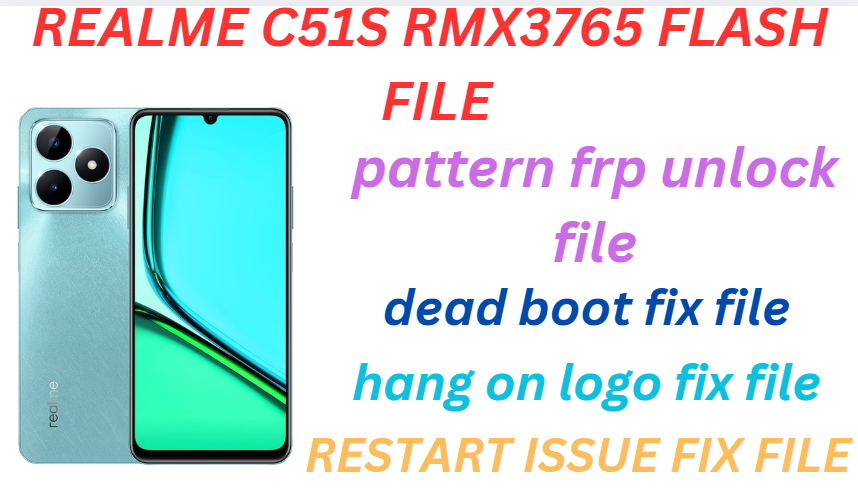
Realme C51S RMX3765 Flash File used for flash and unlock your device fix pattern lock, FRP and other problems like hang on logo, brick after software update or in any experiment , fix hanging issue and other software related issues. Realme flash tool required login credential to run, if you don’t have then contact me for flash. it’s paid service. Always use latest flash file to flash your device.

Download Realme C51S RMX3765 FLASH FILE

 RMX3765export_14_C.13_20240805174139

ALL DRIVER FREE DOWNLOAD

PAID FILE


Reseller India

———————–
Ramzan Gsm
Gsm Online Services
Country : India
WhatsApp, https://wa.me/919036266587
Call +919036266587
Website : https://www.ramzangsm.com/

ALL MOBILE FLASHING UNLOCKING HANG ON LOGO FIX

SERVICE AVAILABLE VIA ULTRA VIEWER / TEAM VIEWER

ABOUT: Realme C51S RMX3765


✅ Key Specifications of Realme C51S RMX3765


The Realme C51s (RMX3765) is an entry-level smartphone released in March 2024, designed to offer a balance of essential features and affordability.

📱   Display and Design

  • Screen: 6.74-inch IPS LCD with a resolution of 720 x 1600 pixels and a 90Hz refresh rate, providing smooth visuals.

  • Build: Slim profile measuring 167.2 x 76.7 x 7.49 mm and weighing approximately 182g, featuring a glass front, plastic frame, and plastic back.

  • Colors: Available in Shiny Green and Mighty Black.

    realme.com

    ⚡ Performance

  • Processor: Powered by the Unisoc Tiger T612 octa-core chipset, ensuring efficient performance for daily tasks.

  • Memory and Storage: Equipped with 6GB of RAM and 128GB of internal storage, expandable up to 2TB via microSD card.

  • 📸  Camera System

  • Rear Camera: 50MP AI main sensor with an f/1.8 aperture, capable of recording 1080p videos at 30fps.

  • Front Camera: 5MP sensor with an f/2.2 aperture, supporting 720p video recording at 30fps.

  🔋  Battery and Charging

  • Capacity: 5000mAh battery offering extended usage.

  • Charging: Supports 33W wired charging via USB Type-C, capable of reaching 50% charge in approximately 28 minutes.


Prerequisites 🛠️

1. Backup your data – Flashing will erase all data.
2. Charge your phone – Ensure at least 50% battery.
3. Download Necessary Files:
Official Firmware for Realme C51S RMX3765.
SPD Upgrade Tool (Research Download/Upgrade Download Tool).
Spreadtrum USB Drivers.
PAC File – Contained in the firmware package.
Flashing Process with SPD Upgrade Tool
1. Install Drivers
Install Spreadtrum USB Drivers on your PC.
2. Extract Firmware & Tools
Extract the Realme C51S RMX3765 firmware (usually in .PAC format).
Extract and open the SPD Upgrade Tool.
3. Load Firmware in SPD Upgrade Tool
Open SPD Upgrade Tool.
Click on the “Load Packet” button (folder icon).
Navigate to the extracted folder and select the .PAC file.
4. Prepare Your Device
Power off your Realme C51s.
Press and hold Volume Down (sometimes combined with Volume Up) and connect it to the PC via USB.
The tool should detect your device.
5. Start Flashing
Click the “Start Downloading” button (or similar, depending on the version).
Wait for the process to complete. A green “Passed” message or a successful completion message should appear.
Disconnect the phone and power it on.
Troubleshooting Tips
If the tool does not detect your phone:
Reinstall the Spreadtrum drivers.
Try a different USB cable or port.
If you encounter errors during flashing:
Ensure the PAC file is correct and not corrupted.
Restart the tool and try again.

📵Warnings;

Ensure you use the correct firmware for the RMX3765 model to prevent bricking.
Flashing can void your warranty if it’s unofficial.
Proceed at your own risk if you’re not familiar with the process.

RELATED ARTICLES

LEAVE A REPLY

Please enter your comment!
Please enter your name here

- Advertisment -spot_imgspot_imgspot_imgspot_img

Most Popular

Recent Comments